


 12:25 PM
 Simranpal SIngh

Android 13 is all set to be announced later this evening at Google I/O 2022. The beta version is Pixel-exclusive as of now, but it seems like Xiaomi users won't have to wait long either. In the latest development, the company has announced the Android 13 Developer preview program for Xiaomi 12, Xiaomi 12 Pro, and Xiaomi Pad 5.

The official statement was made official via the Xiaomi Community forum. The post listed the eligible devices for the Android 13 Developer Preview Program. As mentioned, it enlist some of its latest smartphones: Xiaomi 12, 12 Pro, and Pad 5. However, the post did not mention when the Developer Preview firmware will be available for download. Luckily, it does guide on how to flash the program.
Keep in mind that once the firmware becomes available, the user must use the Fastboot flash method for installing the Android 13 Developer Preview Program. In addition, the same method will apply in case the user wishes to downgrade to Android 12 as well.
Most importantly, do not forget to take a backup of your important data before installing the Android 13 DP firmware.
We will keep our readers updated once the program is available. In the meantime, you already know how you can flash the build.
Make sure to visit: List of eligible Xiaomi, Redmi, and Poco devices to get the Android 13 update
The official statement was made official via the Xiaomi Community forum. The post listed the eligible devices for the Android 13 Developer Preview Program. As mentioned, it enlist some of its latest smartphones: Xiaomi 12, 12 Pro, and Pad 5. However, the post did not mention when the Developer Preview firmware will be available for download. Luckily, it does guide on how to flash the program.
How to flash Android 13 Developer Preview Program?
- To enter into the fastboot mode, turn off the device
- Press the volume down button and the power button together for 4-5 seconds.
Keep in mind that once the firmware becomes available, the user must use the Fastboot flash method for installing the Android 13 Developer Preview Program. In addition, the same method will apply in case the user wishes to downgrade to Android 12 as well.
Most importantly, do not forget to take a backup of your important data before installing the Android 13 DP firmware.
We will keep our readers updated once the program is available. In the meantime, you already know how you can flash the build.

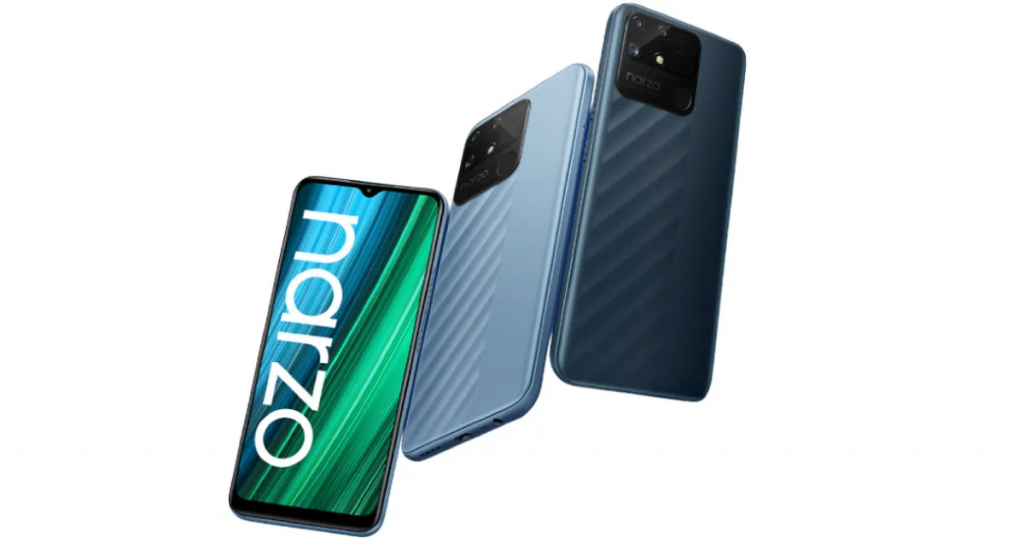 Realme Narzo 50 4G[/caption]
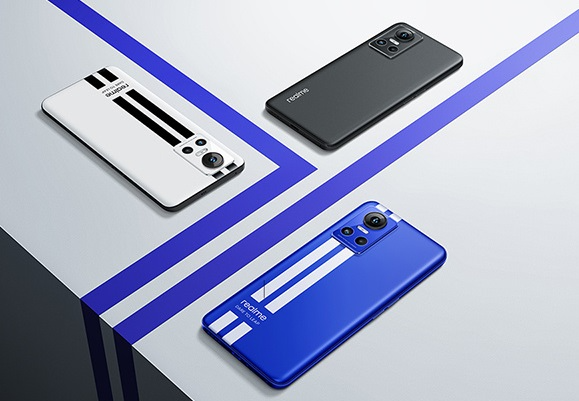 Realme GT Neo 3[/caption]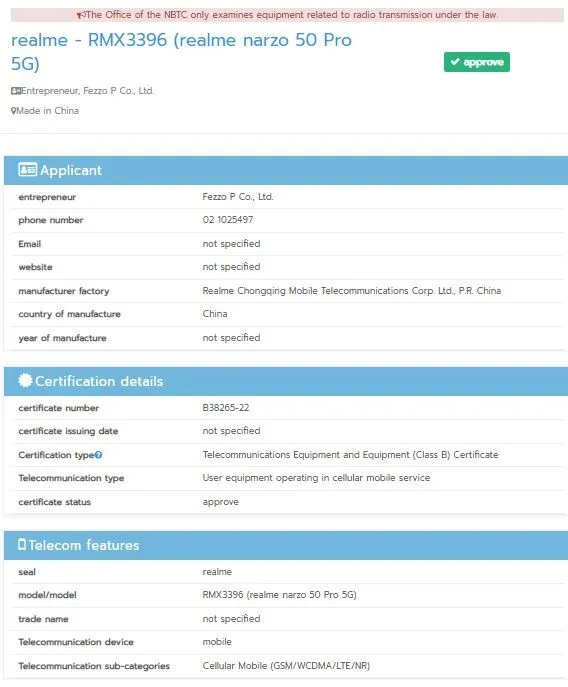
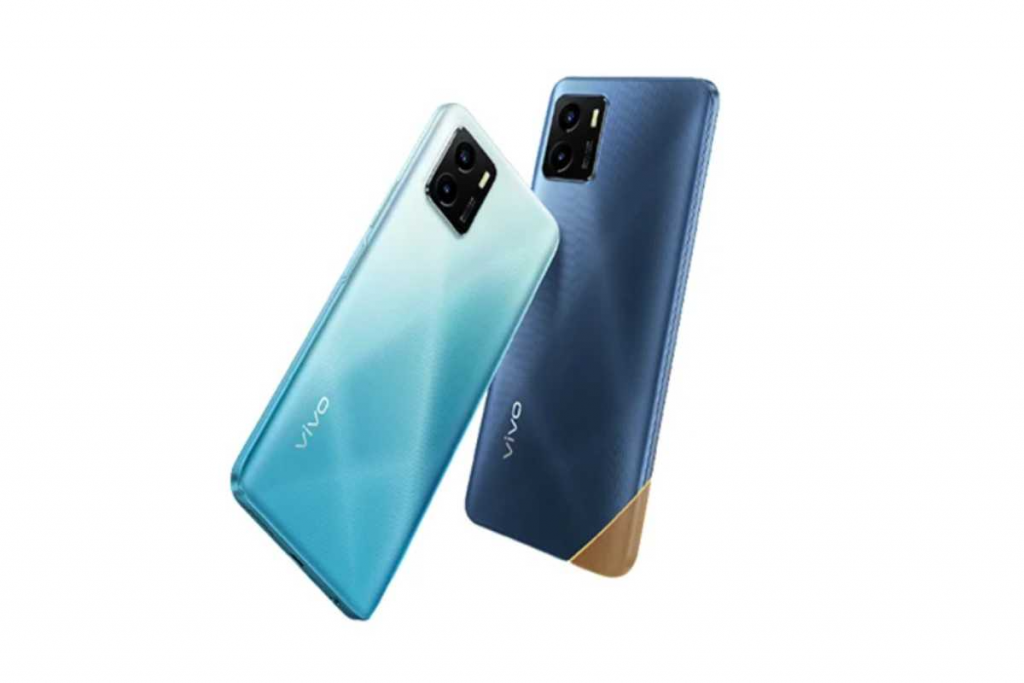



 Chinese
 French
 German
 Italian
 Japanese
 Korean
 Russian
 Spanish
