
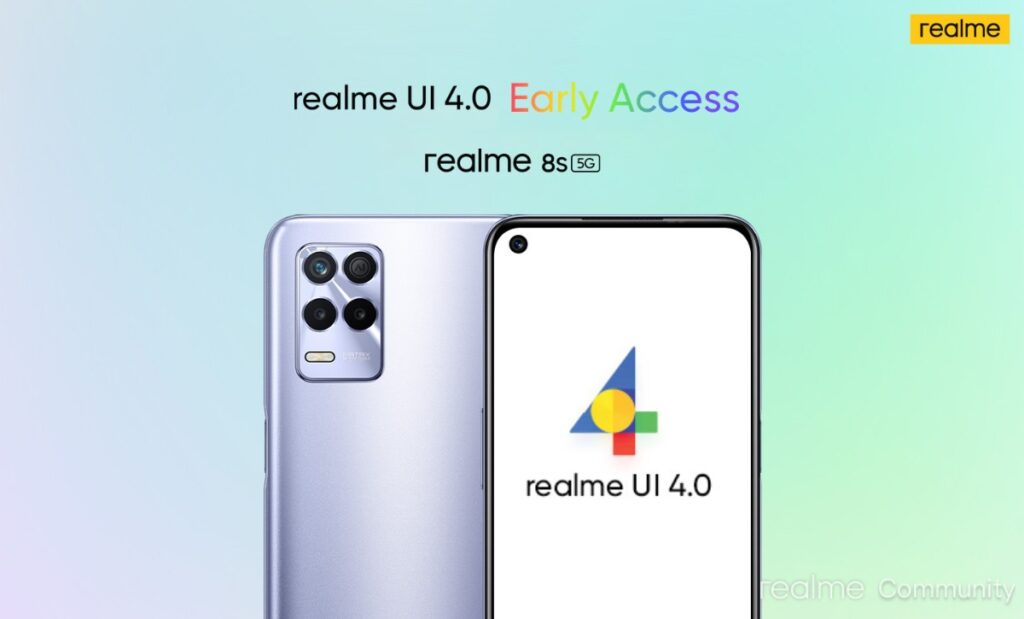
Ensure that your Realme 8S 5G runs on RMX3381_11.C.06 or RMX3381_11.C.07 before applying for the beta update. Once applied, Realme will shortlist and approve the application. The realme UI 4.0 (Android 13) beta update will come with the firmware version F.04. To apply, head to Settings on your smartphone.
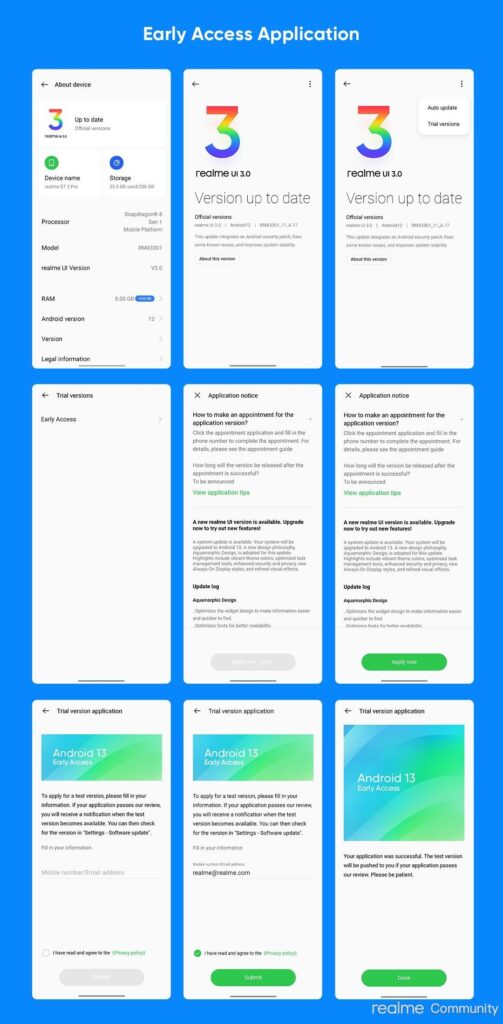
Open the Software Update menu and select the settings icon in the top right corner. Click on Trial Version and choose Apply Now option. Finally, submit your details and finish the quiz to apply successfully.
Realme asks to back up your data and ensure your smartphone isn't rooted. They also recommend at least a storage space of 10GB for smooth operation. Before applying, keep in mind that the beta update may contain some bugs that may interfere with your smartphone's smooth operation.
No comments:
Post a Comment
Share Your Views Here